How to Add Hardcoded Subtitles to Videos for Silent Scrolling
Executive Summary
With the majority of social media consumed on mute, baked-in captions are mandatory for viewer retention. Generating and hardcoding these subtitles locally on your device ensures rapid exports without the risk of uploading private, unreleased footage to third-party cloud transcription servers.
The Necessity of Silent Scrolling
Modern content consumption habits have fundamentally shifted, with massive portions of audiences scrolling through TikTok, Instagram Reels, and YouTube Shorts entirely on mute. If a creator relies solely on audio to deliver their message, they are instantly losing the attention of viewers browsing in public spaces, offices, or quiet environments. To capture and retain this audience, visual reinforcement is an absolute requirement.
This is where hardcoded (or "burned-in") subtitles become essential. Unlike closed captions, which the user must manually toggle on, hardcoded subtitles are permanently etched into the video frames. This guarantees that every single viewer sees the dialogue exactly as intended, complete with proper pacing and dynamic formatting that complements the video's aesthetic.
The Privacy Risk of Cloud Transcription
The standard workflow for generating subtitles involves sending audio tracks to an external transcription service. Many creators utilize free or low-cost cloud APIs to automatically generate their SRT (SubRip Subtitle) files. While convenient, this introduces a massive security vulnerability.
When you send unreleased podcast episodes, exclusive interviews, or private coaching calls to a remote third-party API, you lose control over that data. Your spoken dialogue is processed on external servers, increasing the risk of data harvesting or pre-launch leaks. For professional creators handling sensitive content, uploading private audio to the cloud simply to generate text is an unacceptable compromise.
Generating and Baking Subtitles Securely
The safest and most efficient workflow brings the transcription process entirely in-house. By utilizing an advanced browser-based utility, you can extract the audio, generate highly accurate subtitles, and bake them into your video using your computer's own processing power.
Because the transcription model runs directly on your device, the file never crosses an internet connection. This completely eliminates the slow upload times associated with remote cloud rendering. The result is a lightning-fast export process that delivers a ready-to-publish video with perfectly timed, hardcoded captions, keeping your exclusive content secure from start to finish.
Explore the Content Repurposing Cluster
The Ultimate Guide to Content Repurposing for Modern Creators
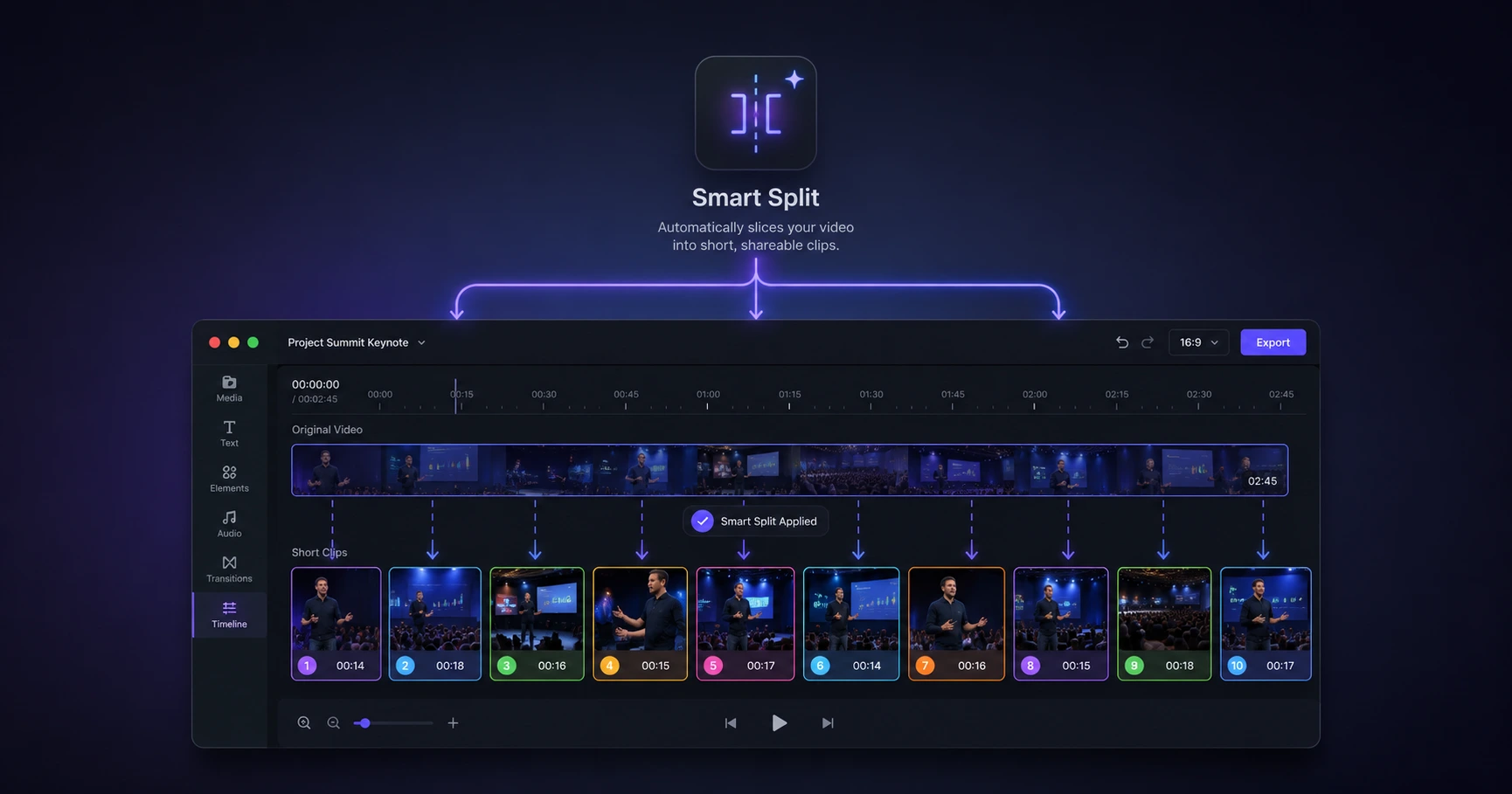
Slicing massive long-form media into platform-native, bite-sized assets shouldn't require hours of scrubbing timelines or waiting for risky cloud uploads.

Format your videos instantly
Prep and standardize your clips before they hit the editing timeline. Reframe, crop, split, and compress your footage directly in your browser with absolute privacy and zero watermarks.
Related Questions
How do I hardcode subtitles into a video file?
Hardcoding subtitles involves rendering the text permanently onto the video frames so they cannot be turned off. You can achieve this by using an on-device utility to automatically generate an SRT file and bake the text directly into the video without relying on cloud processors.
Can I auto-generate SRT files without uploading my video?
Yes, you can auto-generate SRT files without uploading by utilizing a browser-based transcription tool. This method processes your audio locally on your machine, ensuring your private content is never exposed to external servers and completely bypassing slow upload queues.