How to Auto-Split Long Podcasts into Short Social Media Clips
Executive Summary
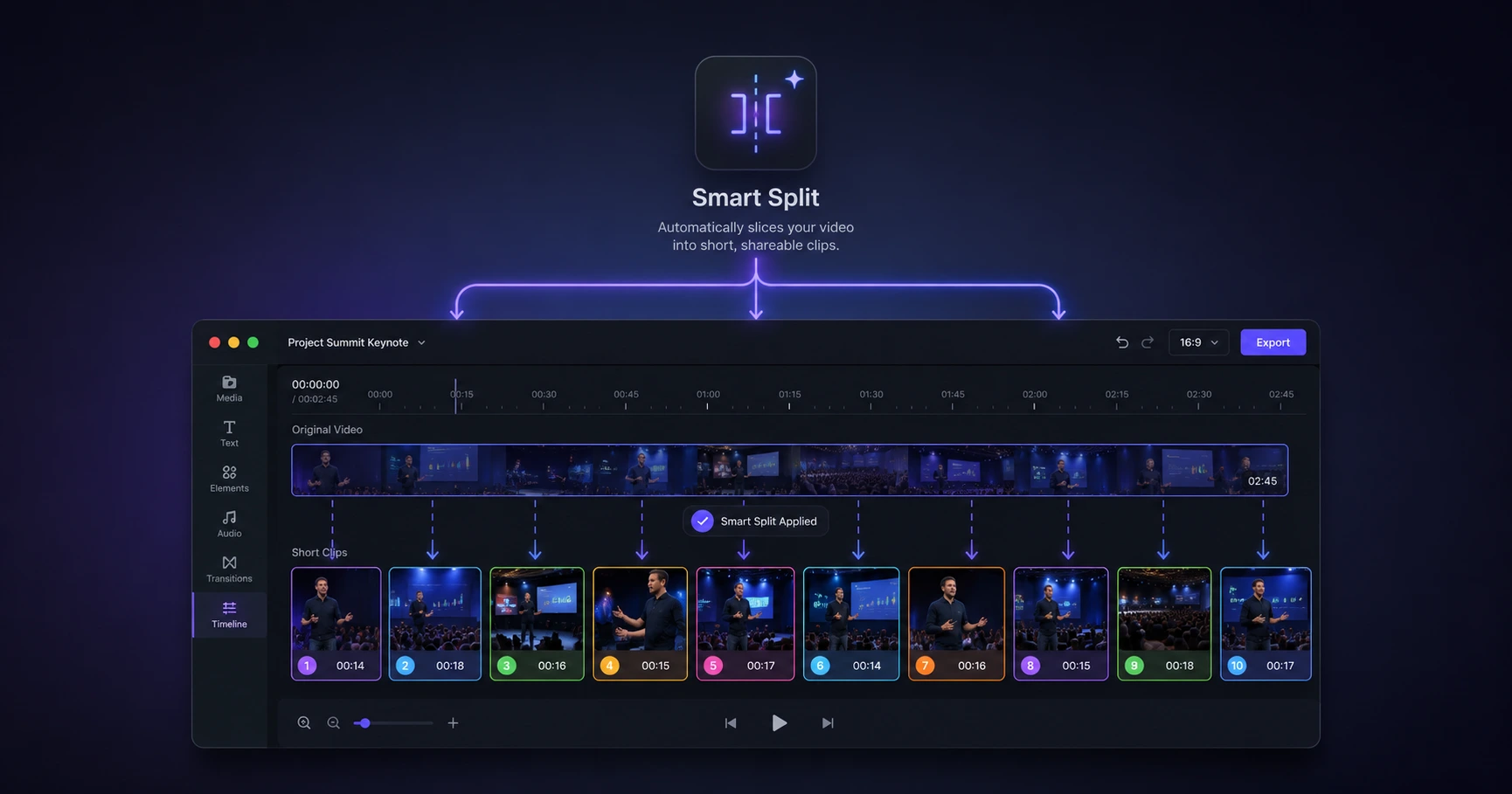
Scrubbing through an hour-long podcast to find exact camera cuts is a massive time sink. Instead of manually slicing clips on a heavy editing timeline, creators can use an automated scene detection tool to instantly split the footage at every camera change, entirely inside their browser.
The Bottleneck of Manual Slicing
Repurposing a long-form podcast into high-performing social media shorts requires isolating the most engaging soundbites. Traditionally, this means importing a massive 5GB, multi-camera video file into professional editing software. From there, a creator must manually scrub through an hour or more of footage, watching closely to find exactly where the camera angle switches between the host and the guest.
This manual workflow is incredibly inefficient. Every razor-cut on the timeline takes time, and navigating heavy video files often causes the playback to stutter or lag on standard computers. When the goal is rapid content distribution, manually hunting for scene changes creates a severe production bottleneck.
Automated Scene Detection Explained
To eliminate this friction, professional workflows rely on "shot transition detection," commonly known as scene splitting. This technology uses smart algorithms to analyze a video frame by frame, looking for sharp visual changes. When the algorithm detects a complete change in the composition—like cutting from a wide room shot to a tight close-up of a speaker's face—it automatically places a split at that exact millisecond.
For multi-camera podcasts, this is a game-changer. Instead of hunting for cuts, the entire hour of footage is instantly separated into distinct, manageable clips based on who is speaking or which camera is active. You can then rapidly delete the dead space and keep only the viral-worthy moments.
The Privacy and Speed Advantage
While some cloud-based AI tools offer automated clipping, they require you to upload your massive podcast files to remote servers. This introduces hours of waiting in upload queues and exposes your unreleased, exclusive interviews to third-party data handlers.
A superior workflow leverages your computer's own processing power. By dropping your podcast directly into a secure, browser-based scene detection utility, the analysis happens locally. Because the file never leaves your hard drive, the automated splitting occurs at lightning speed, ensuring your raw footage remains 100% private and perfectly prepped for final social media formatting.
Explore the Content Repurposing Cluster
The Ultimate Guide to Content Repurposing for Modern Creators
Slicing massive long-form media into platform-native, bite-sized assets shouldn't require hours of scrubbing timelines or waiting for risky cloud uploads.

Format your videos instantly
Prep and standardize your clips before they hit the editing timeline. Reframe, crop, split, and compress your footage directly in your browser with absolute privacy and zero watermarks.
Related Questions
How do you automatically detect scenes in a video?
Automatically detecting scenes relies on algorithms that identify sharp visual changes, such as camera cuts, between consecutive frames. Using a dedicated browser-based scene splitter allows you to run this analysis directly on your device, separating different speakers or segments instantly without manual timeline scrubbing.
What is the fastest way to split a podcast into clips?
The fastest way to split a podcast is to bypass manual editing entirely by using an automated scene detection utility. By processing the heavy video file natively within your web browser, you eliminate the slow upload times associated with cloud converters and instantly generate separate clips for each camera angle.