How to Compress Large Video Files Under 2GB for Web Uploads
Executive Summary
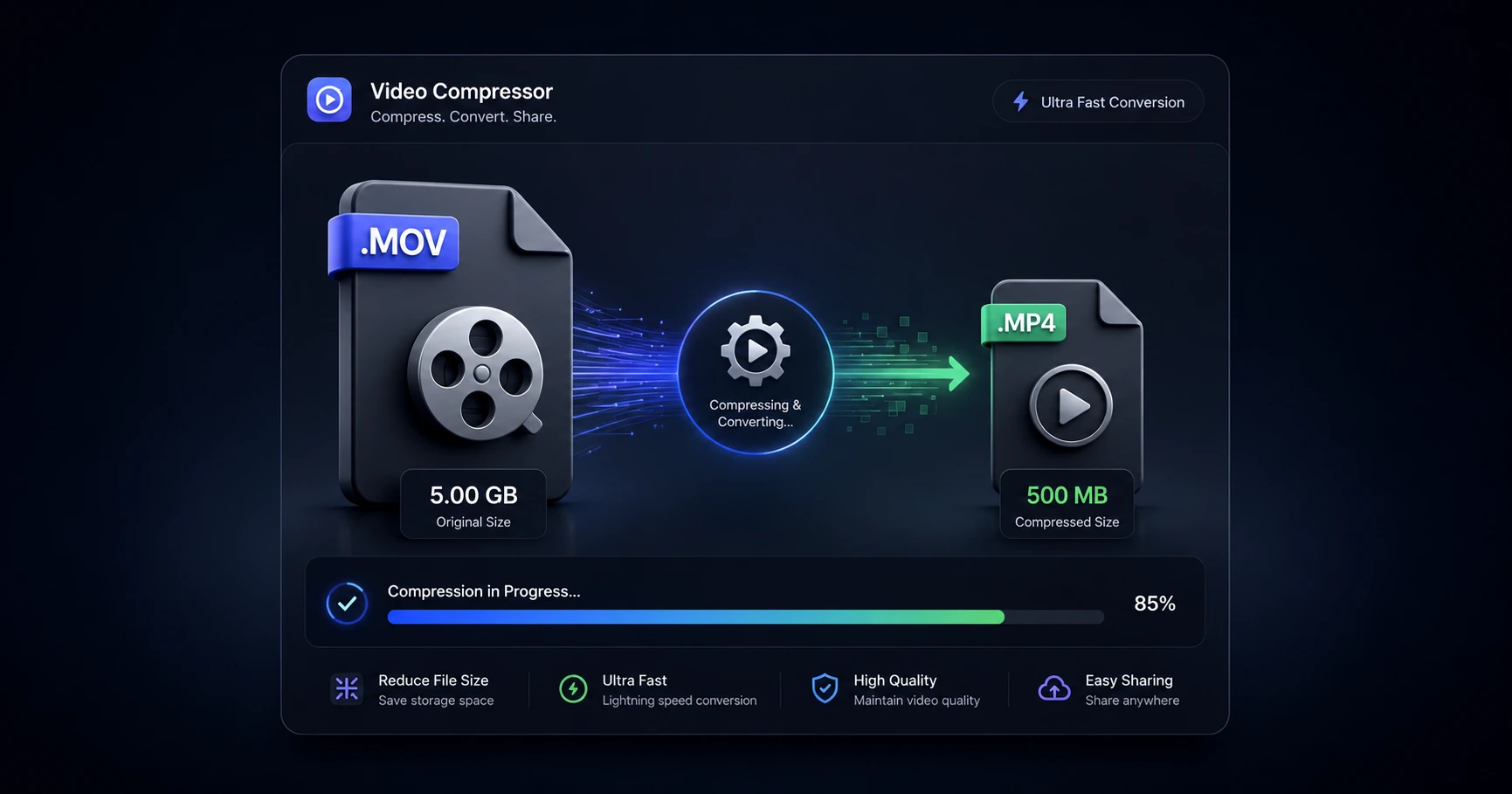
Social platforms, freelance portals, and cloud drives frequently reject heavy, unoptimized footage due to strict file size limits. A fast, browser-based compressor instantly shrinks massive raw files to fit neatly under the standard 2GB cap without ruining the native visual quality or requiring bulky desktop software installations.
The Reality of the 2GB Upload Limit
Shooting in pristine 4K resolution is the modern standard for content creation, but it produces gigabyte-heavy files that the internet was not originally built to handle gracefully. Whether you are submitting a final deliverable to a client via an online portal, sharing raw footage with an editor through a standard cloud drive, or posting a long-form vlog directly to a social feed, you will inevitably hit an upload ceiling. For the vast majority of web services, that hard stop is 2GB.
Attempting to force a 5GB raw video file across these platforms results in frustrating error messages, timed-out connections, and broken workflows. To maintain momentum, creators must adopt a reliable process for optimizing heavy media files before they ever initiate a transfer.
Smart Compression vs. Resolution Drops
When faced with a massive file, the instinct is often to blindly export it at a lower resolution—turning a crisp 4K shot into a muddy 720p clip. This sacrifices the exact visual fidelity you worked so hard to capture.
The correct approach is smart bitrate compression. Instead of fundamentally shrinking the physical dimensions of the frame, smart compression mathematically optimizes how the color and movement data is stored within the file. By efficiently packing this data, you can significantly reduce the overall gigabyte footprint of the video while retaining a sharp, high-resolution visual output that looks perfectly native to the human eye.
Bypassing the Cloud Converter Queue
Historically, solving a size limit issue meant searching for a free cloud converter. However, uploading a 5GB file to a remote server just to shrink it is entirely counterproductive. It ties up your bandwidth for hours, places you in a digital waiting line, and exposes your exclusive footage to an unknown third party.
The modern solution completely eliminates the cloud. By utilizing a secure formatting utility right in your browser, your computer's own hardware handles the compression. You can drop a massive raw video file into the browser and instantly shrink it under the 2GB threshold. Because the heavy file never actually leaves your hard drive, the optimization is remarkably fast and your unreleased content remains completely private.
Explore the File Optimization & Utilities Cluster
The Ultimate Guide to Video File Optimization and Utilities
Modern high-resolution cameras generate massive, heavy files that frequently trigger upload limits and playback errors across different platforms.

Format your videos instantly
Prep and standardize your clips before they hit the editing timeline. Reframe, crop, split, and compress your footage directly in your browser with absolute privacy and zero watermarks.
Related Questions
How can I reduce a video file size without losing quality?
Reducing file size without noticeable quality loss requires smart bitrate compression, which optimizes the data within the file rather than blindly shrinking its resolution. A dedicated browser-based utility can perform this optimization efficiently using your own hardware, preserving the native visual fidelity.
What is the best way to compress a video under 2GB?
The most efficient way to compress a massive file under 2GB is by utilizing an on-device utility directly in your browser. This completely bypasses the hours of upload and download wait times typical of remote cloud servers, keeping your raw media secure and allowing for instant, private compression.