How to Rip Clean MP3 Audio from Heavy Video Files
Executive Summary
Sometimes the value of a massive 4K clip is entirely in the dialogue. Extracting a lightweight MP3 locally saves massive amounts of time and disc space by instantly discarding the bloated video data without uploading the file to a risky cloud server.
The Weight of Unnecessary Video Data
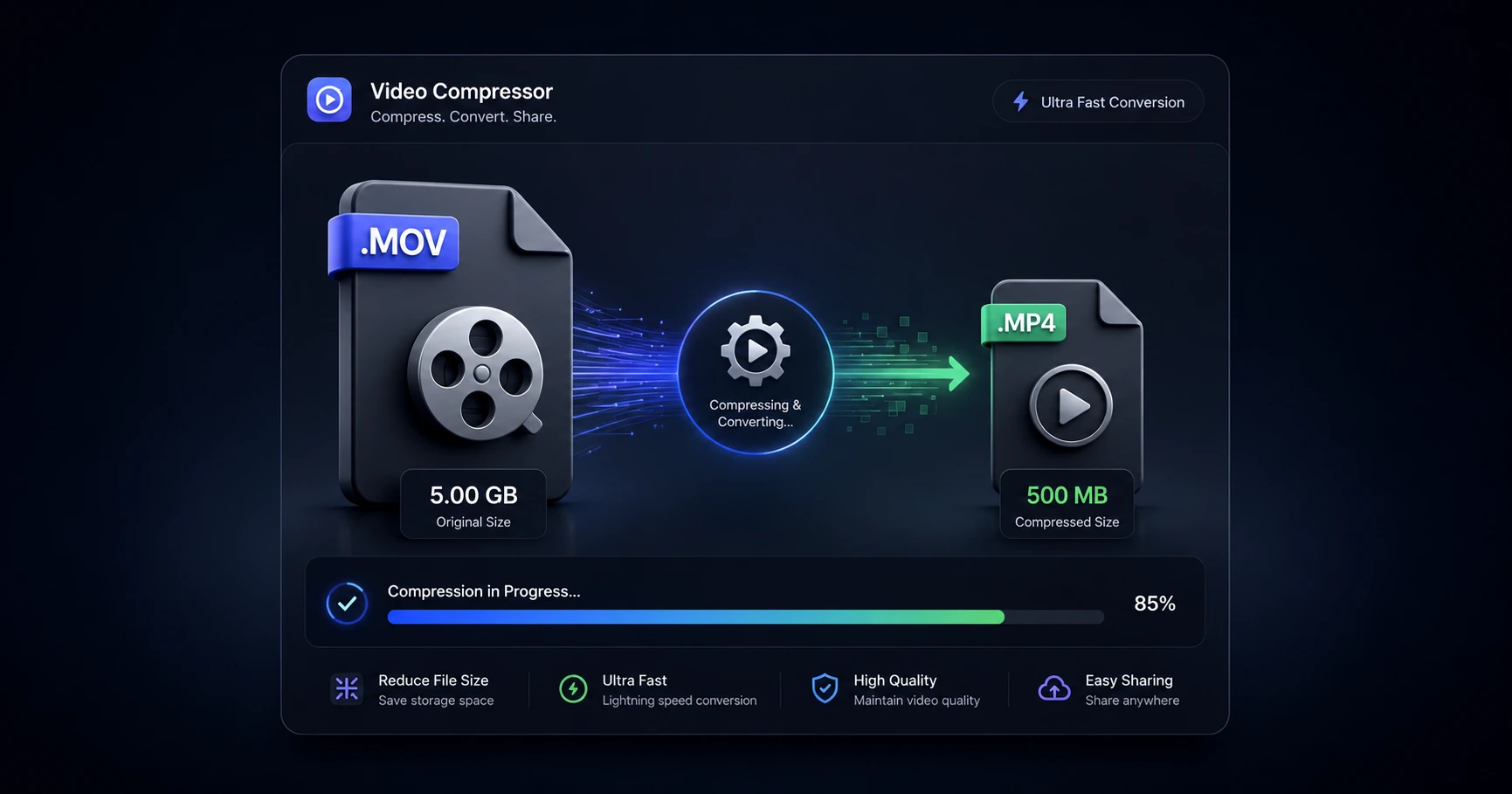
Often, creators only need the audio track from a media file—whether it's an interview soundbite for a podcast, a voiceover for b-roll, or a reference track for sound design. However, modern 4K video files are enormous. Importing a massive 5GB video file into an editing timeline or audio workspace simply to utilize a 5MB soundbite is incredibly inefficient.
Keeping the bloated video data attached when you only need the audio severely clogs up your hard drive, slows down your editing software, and creates unnecessary friction during the production process. To keep your project files lightweight and your computer running smoothly, you must strip away the heavy video container.
The Danger of Remote Audio Rippers
Searching for a quick way to strip the audio usually leads creators to free online converters. Uploading a massive, gigabyte-heavy video file to a remote server just to download a tiny MP3 is a massive waste of bandwidth. You are forced to wait in long upload queues for an operation that should take milliseconds.
Furthermore, these cloud converters pose a severe security risk. Uploading exclusive interviews, private voiceovers, or unreleased podcast episodes to third-party servers exposes your intellectual property to data harvesting and potential leaks. Using remote servers to process local audio is fundamentally unsafe for professional creators.
Instant Audio Extraction
The modern workflow eliminates the cloud entirely, bringing the extraction process directly to your device. By using a secure, browser-based extraction utility, your computer's own hardware processes the file locally.
You can drop a massive video into the tool, and it will instantly rip the MP3 audio track and discard the heavy video data. Because the file never leaves your device and does not need to cross an internet connection, there are zero upload wait times. This localized process guarantees lightning-fast extraction while keeping your raw media 100% private.
Explore the File Optimization & Utilities Cluster
The Ultimate Guide to Video File Optimization and Utilities
Modern high-resolution cameras generate massive, heavy files that frequently trigger upload limits and playback errors across different platforms.

Format your videos instantly
Prep and standardize your clips before they hit the editing timeline. Reframe, crop, split, and compress your footage directly in your browser with absolute privacy and zero watermarks.
Related Questions
How do I extract just the audio from a video?
You can extract the audio by using a dedicated local formatting tool to separate the audio track and export it independently. Processing this on your own hardware ensures it happens instantly without having to upload the heavy video file to a remote server.
Is there a tool to save a video as an MP3 file?
Yes, a browser-based audio extractor can instantly convert your video's audio track into a lightweight MP3 file. By utilizing your device's native processing power, you completely bypass the slow upload queues and privacy risks of cloud-based converters.