The Fastest Way to Convert iPhone MOV Files to Universal MP4
Executive Summary
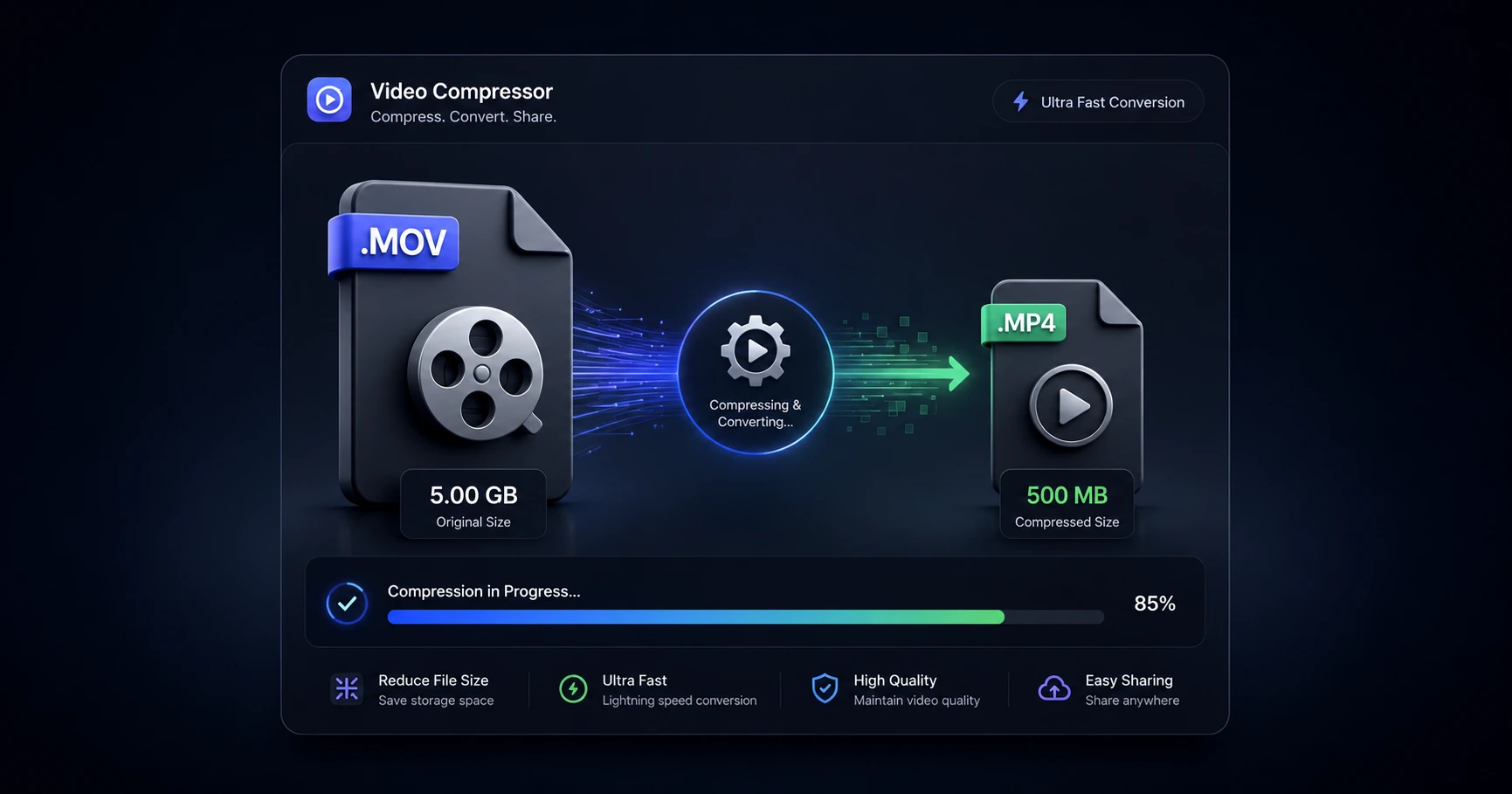
Apple's native MOV format frequently causes frustrating playback and import errors when transferred to Windows machines or certain web editors. The fastest way to guarantee compatibility is to convert the file to a universal MP4 using an on-device utility, instantly bypassing the painfully slow upload queues of traditional cloud servers.
The Friction of Apple's MOV Format
Shooting video on an iPhone produces incredible, high-fidelity footage neatly packaged in Apple's proprietary MOV format. While this file type performs flawlessly within the Apple ecosystem, transferring it outside of a Mac or iPad often breaks creative momentum. Creators constantly run into compatibility walls when handing footage off to editors using Windows-based software or when uploading raw clips directly to specialized web portals.
These format clashes manifest as missing audio tracks, black screens upon import, or outright error messages that refuse to recognize the file. To establish a frictionless production pipeline, standardizing these proprietary files into the universally accepted MP4 format is a mandatory first step before editing begins.
Why Cloud Converters Kill Productivity
When an import fails, the traditional reflex is to search for a free web converter. However, this outdated approach introduces severe bottlenecks. Modern 4K smartphone video files are massive, frequently exceeding several gigabytes in size.
Uploading a massive MOV file to a remote third-party server simply to change its wrapper ties up your bandwidth for hours. You are forced to wait in digital queues, trust a random website with your private footage, and then endure an equally long download process once the file is finally converted. When you just need a quick format change to start editing, relying on the cloud kills your momentum.
Instant Conversion to Universal MP4
The modern solution rethinks how files are handled by skipping the cloud entirely. By using a secure formatting tool directly in your web browser, the conversion from MOV to MP4 happens using your computer's own hardware.
Because the video file never leaves your physical hard drive, there are zero upload bars to watch. The container format is swapped instantly, delivering a universally compatible MP4 that works on any operating system or editing timeline. This on-device approach guarantees absolute privacy for unreleased footage while restoring the speed and efficiency necessary for professional content creation.
Explore the File Optimization & Utilities Cluster
The Ultimate Guide to Video File Optimization and Utilities
Modern high-resolution cameras generate massive, heavy files that frequently trigger upload limits and playback errors across different platforms.

Format your videos instantly
Prep and standardize your clips before they hit the editing timeline. Reframe, crop, split, and compress your footage directly in your browser with absolute privacy and zero watermarks.
Related Questions
How do I convert a MOV file to MP4 fast?
The fastest way to convert a MOV file to MP4 is by processing it locally on your device rather than uploading it to the cloud. Using a secure browser-based converter eliminates upload and download times, instantly changing the file format using your own hardware.
Can I convert video formats in my browser without uploading?
Yes, modern web utilities allow you to convert video formats natively within the browser without sending the file to a remote server. This method ensures your unreleased footage remains entirely private while completing the conversion at lightning speed.