The Ultimate Guide to Video File Optimization and Utilities
Executive Summary
Modern high-resolution cameras generate massive, heavy files that frequently trigger upload limits and playback errors across different platforms. Standardizing file formats and shrinking sizes directly on your device removes the friction of incompatible media, bypassing the frustrating wait times and privacy risks of traditional remote cloud converters.
The Reality of Modern Media Files
Shooting footage in 4K resolution at 60 frames per second yields incredible visual fidelity, but it also creates gigabyte-heavy files that are notoriously difficult to manage. Content creators constantly bump into rigid file size constraints. A beautiful, uncompressed video is virtually useless if a social platform, email client, or cloud drive rejects the upload for exceeding a 2GB limit.
Beyond sheer size, format compatibility is a persistent headache. Proprietary formats, such as Apple's native MOV wrapper, perform flawlessly on iPhones and MacBooks but frequently cause playback glitches, missing audio, or import failures when transferred to Windows editing bays or certain web-based platforms. Standardizing these files is a necessary first step in any robust production pipeline.
The Danger of Cloud Converters
When faced with a bloated file or an incompatible format, the traditional reflex is to search for a free web converter. This approach, however, introduces severe bottlenecks. Uploading a massive 5GB raw video file to a remote server requires incredibly fast internet and massive amounts of patience. Users are routinely forced into digital queues, only to face an equally long download time once the conversion is finally complete.
More critically, cloud-based processing exposes creators to unnecessary security risks. Handing over unreleased footage, private interviews, or exclusive content to third-party servers means you lose control over your data. For professionals, exposing raw media to external networks simply to shrink a file size is a gamble that rarely pays off.
Core Utility Workflows
Optimizing your media before it hits the editing timeline or the publishing feed requires a targeted toolkit. A modern utility stack handles the heavy lifting instantly:
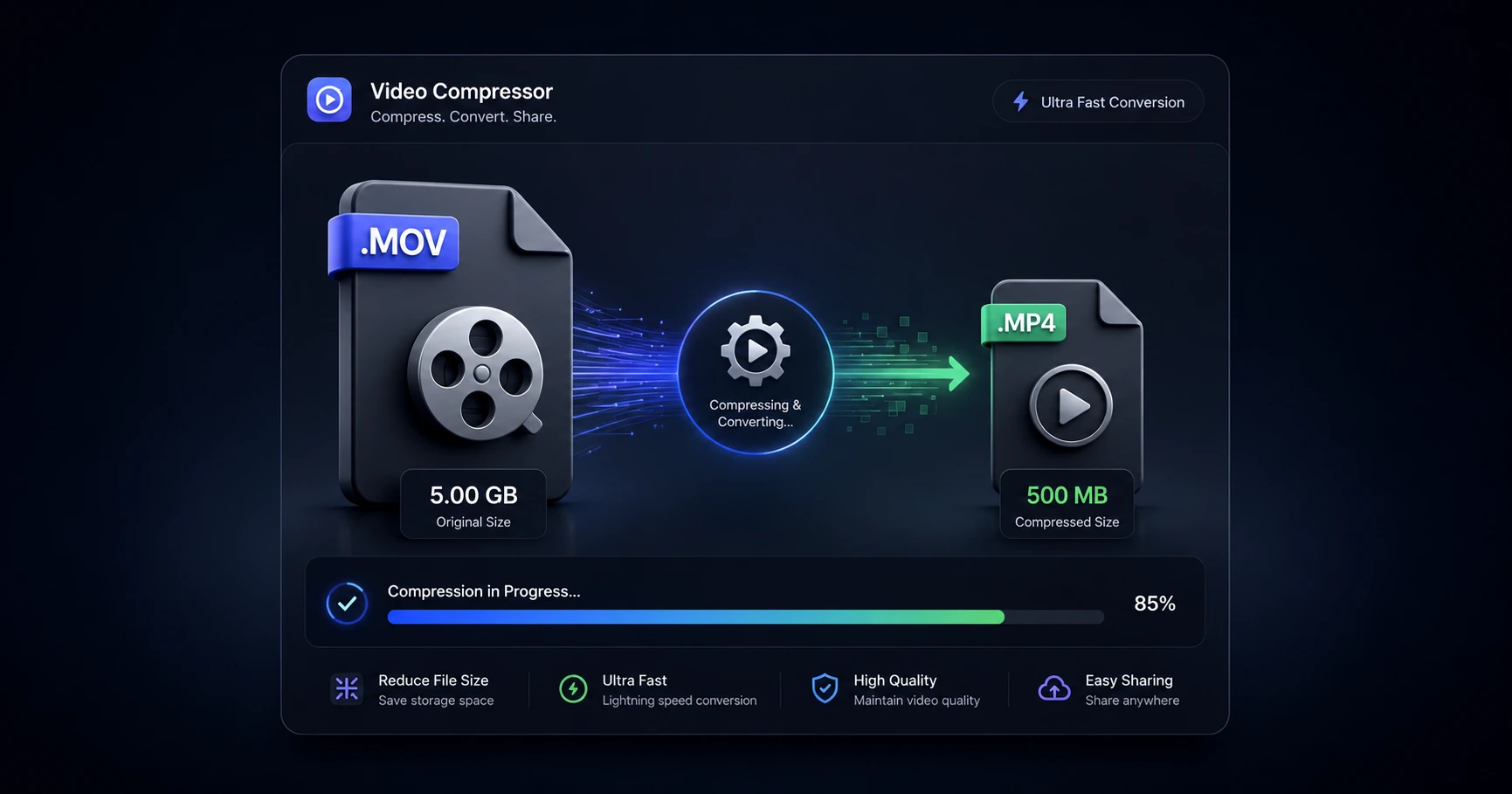
- Universal Conversion: Quickly transforming stubborn formats like iPhone MOV files into universally accepted MP4s ensures guaranteed playback across all operating systems and social feeds.
- Smart Compression: Shrinking massive raw files to fit cleanly under standard web upload caps (such as 2GB) without ruining the crisp visual quality of the original footage.
- Audio Extraction: Ripping a clean, lightweight MP3 track directly from a heavy video file allows you to isolate dialogue or soundbites while instantly discarding the bloated video data you don't need.
The Advantage of On-Device Processing
The most profound shift in digital file management is the move to local, on-device processing. By utilizing advanced browser-based utilities, the heavy lifting of compression and conversion happens using your computer's own hardware.
Because the file never actually leaves your hard drive, there are zero upload bars to watch and zero server queues to wait in. A 2GB file converts and compresses with lightning speed. Most importantly, it guarantees absolute privacy—your raw data remains entirely under your control from the moment you drag it into the browser to the moment you export the finished asset.
Explore the File Optimization & Utilities Cluster
The Ultimate Guide to Video File Optimization and Utilities
Modern high-resolution cameras generate massive, heavy files that frequently trigger upload limits and playback errors across different platforms.

Format your videos instantly
Prep and standardize your clips before they hit the editing timeline. Reframe, crop, split, and compress your footage directly in your browser with absolute privacy and zero watermarks.
Related Questions
How can I reduce a video file size without losing quality?
Reducing a video's file size without noticeable quality loss requires smart compression that optimizes bitrates rather than just lowering resolution. Using a browser-based compressor allows you to shrink massive raw files efficiently on your own hardware, avoiding the harsh double-compression often applied by free cloud servers.
What is the safest way to convert a video file?
The safest method is to process the file locally so that your raw data never leaves your device. Bypassing remote uploaders and converting formats directly within your browser guarantees that unreleased footage remains entirely private and secure.