The Ultimate Guide to Creator Privacy and Video Security
Executive Summary
Every video you shoot contains hidden tracking data, and every file you upload to a third-party server becomes vulnerable to theft or leaks. A modern, secure workflow dictates that creators must scrub their metadata and process unreleased footage entirely on their physical devices to maintain absolute control over their exclusive content.
The Hidden Threat in Your Camera Roll
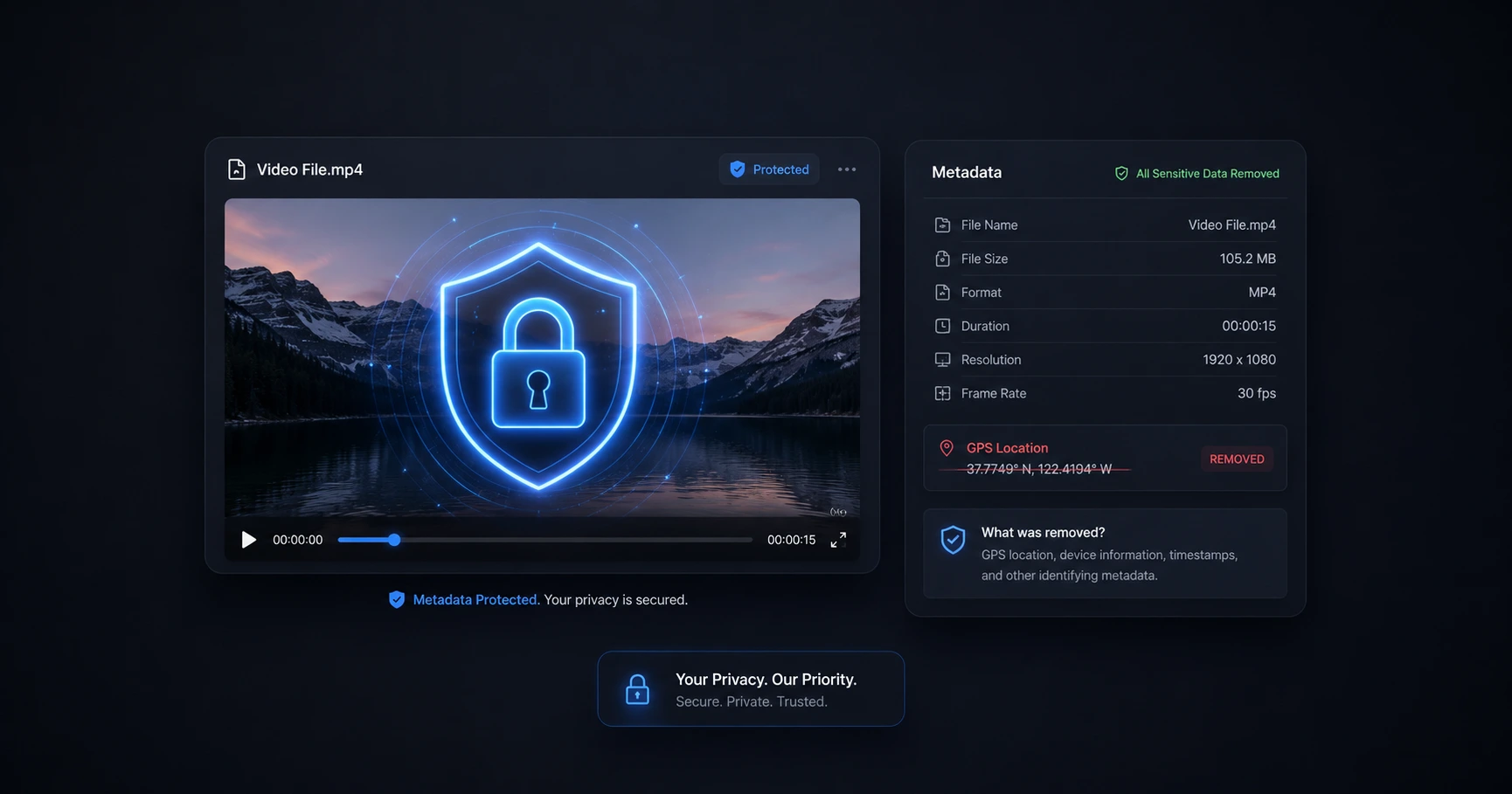
When you capture a video on a modern smartphone, you are recording much more than just visuals and audio. Standard devices embed hidden EXIF data into every single file, logging the camera model, date, and frequently the exact GPS coordinates of where the footage was filmed. If a creator posts a raw vlog or behind-the-scenes clip without scrubbing this data, they are unknowingly broadcasting their home, studio, or current location to the public. Understanding and controlling this invisible metadata is the first critical step in maintaining personal security online.
The Danger of "Free" Cloud Converters
When dealing with a heavy or incompatible video file, many creators turn to web-based cloud utilities. However, the business model behind many remote converters is risky: if the product is free and requires you to upload your file to their server, your data often becomes the product. The moment you press upload, you lose control over who accesses that file.
For professional creators, this introduces a catastrophic vulnerability. Leaking exclusive interviews, unreleased product reviews, or private behind-the-scenes footage before an official embargo or publish date can ruin a launch. Trusting remote servers with raw, high-value assets is simply bad business practice.
Core Privacy Workflows
A secure production pipeline treats every raw file as sensitive data. Establishing a workflow that protects your content before it ever hits the main editing timeline requires a few vital practices:
- Stripping Location Data: Routinely scrubbing GPS and device metadata from files before they are shared with editors or uploaded to social feeds ensures your physical location is never exposed.
- Secure Format Conversions: Changing file types (such as converting Apple MOV files to universal MP4s) directly on your machine without ever letting the raw asset cross an internet connection.
- Private Extractions: Pulling audio tracks or generating subtitles directly on your hardware, ensuring your spoken dialogue isn't sent to third-party APIs for transcription.
The Ultimate Standard: On-Device Processing
The simplest rule of digital security is this: You cannot leak a file you never uploaded. The absolute most effective way to secure unreleased media is to process it strictly on your physical machine.
By leveraging your computer's own processing power right within your browser window, you completely eliminate the need for remote servers. Formatting, compressing, and extracting data on-device is the only foolproof method to keep exclusive content safely in the hands of the creator, ensuring total privacy from import to export.
Explore the Creator Privacy & Security Cluster
The Ultimate Guide to Creator Privacy and Video Security
Every video you shoot contains hidden tracking data, and every file you upload to a third-party server becomes vulnerable to theft or leaks.

Format your videos instantly
Prep and standardize your clips before they hit the editing timeline. Reframe, crop, split, and compress your footage directly in your browser with absolute privacy and zero watermarks.
Related Questions
What kind of metadata is saved in a video file?
Video files routinely store hidden EXIF data, which can include the device model used to film, the exact date and time of creation, and precise GPS location coordinates. Utilizing a metadata editor before publishing allows you to view and completely erase this tracking data, ensuring your personal locations remain private.
Are online video converters safe to use?
Uploading unreleased footage to remote cloud servers introduces inherent risks of data leaks and theft, as you lose control of the file the moment it leaves your device. Processing media completely on your own hardware guarantees that the files remain 100% private and never cross a network.