The Security Risks of Uploading Unreleased Footage to Cloud Converters
Executive Summary
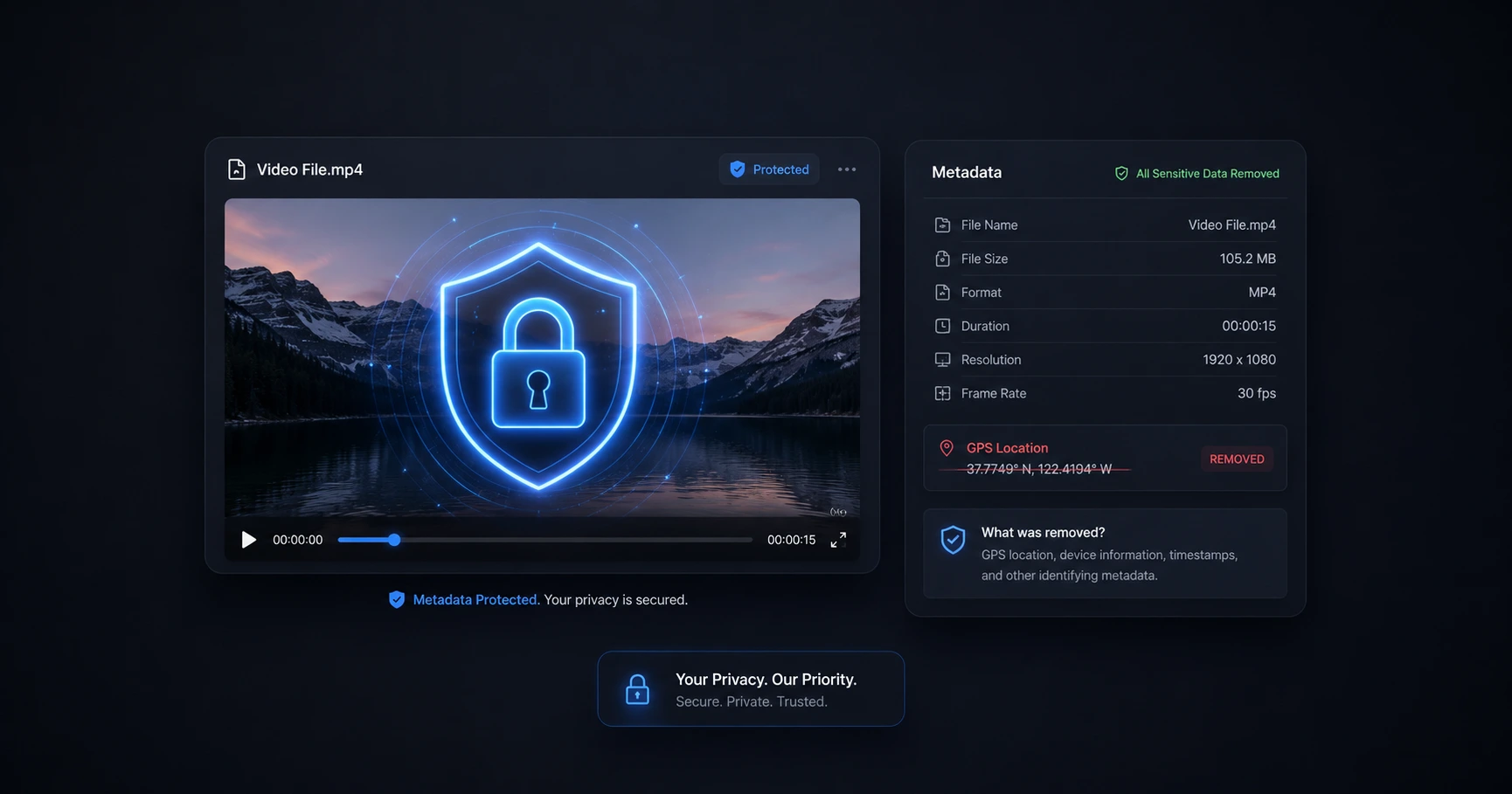
Sending raw, unreleased content to third-party remote servers introduces severe risks of data leaks and theft. Processing media completely on your physical machine guarantees that your exclusive files remain 100% private and never leave your control.
The Hidden Cost of "Free" Cloud Converters
The internet is flooded with free web utilities offering to compress or convert your video files, but these services rarely operate without a hidden cost. If a server-based utility requires no payment, your uploaded media and its associated metadata are likely the product. The moment you upload a file to a remote cloud server, you legally and functionally lose control over who can access, analyze, or distribute that footage.
Many of these platforms have vague Terms of Service agreements that grant them the right to store your files indefinitely, analyze the content for machine learning purposes, or even share the data with third-party vendors. When you just need to quickly change an aspect ratio or file format, handing over total control of your intellectual property is a massive overstep.
The Nightmare of Leaked Footage
For independent creators and professional reviewers, exclusive content is the lifeblood of their business. Securing a product before launch, filming a private interview, or documenting behind-the-scenes footage requires strict confidentiality.
Uploading these high-value assets to unverified remote servers to perform a simple format conversion is a massive gamble. A single data breach or unethical server policy could result in your unreleased footage leaking before the official embargo date. This not only ruins your channel's momentum but can permanently destroy your reputation and relationships with brand partners.
The Zero-Upload Security Standard
The only foolproof way to prevent a data leak is to never upload the data in the first place. A modern, secure workflow demands that raw media files stay entirely on the creator's physical device until they are ready for final publication.
By utilizing advanced on-device formatting tools right in your browser, your computer's own hardware does the heavy lifting. You can compress, convert, and crop your videos instantly because the files never cross an internet connection. This zero-upload standard is the only way to ensure your exclusive content remains safely in your hands.
Explore the Creator Privacy & Security Cluster
The Ultimate Guide to Creator Privacy and Video Security
Every video you shoot contains hidden tracking data, and every file you upload to a third-party server becomes vulnerable to theft or leaks.

Format your videos instantly
Prep and standardize your clips before they hit the editing timeline. Reframe, crop, split, and compress your footage directly in your browser with absolute privacy and zero watermarks.
Related Questions
Are online video converters safe to use?
Online video converters are generally unsafe for unreleased or private footage because they require you to upload your files to a remote server, introducing risks of data theft and unauthorized access. Utilizing a local, browser-based utility ensures your files remain on your device and are never exposed to external networks.
Can cloud video editors steal my unreleased footage?
Yes, once you upload footage to a third-party cloud editor, you are trusting their security infrastructure and terms of service, which often grant them broad rights or leave your data vulnerable to breaches. Processing your media on your own hardware is the only way to absolutely guarantee your footage cannot be stolen.