How to Strip Hidden GPS Location Data from iPhone Videos
Executive Summary
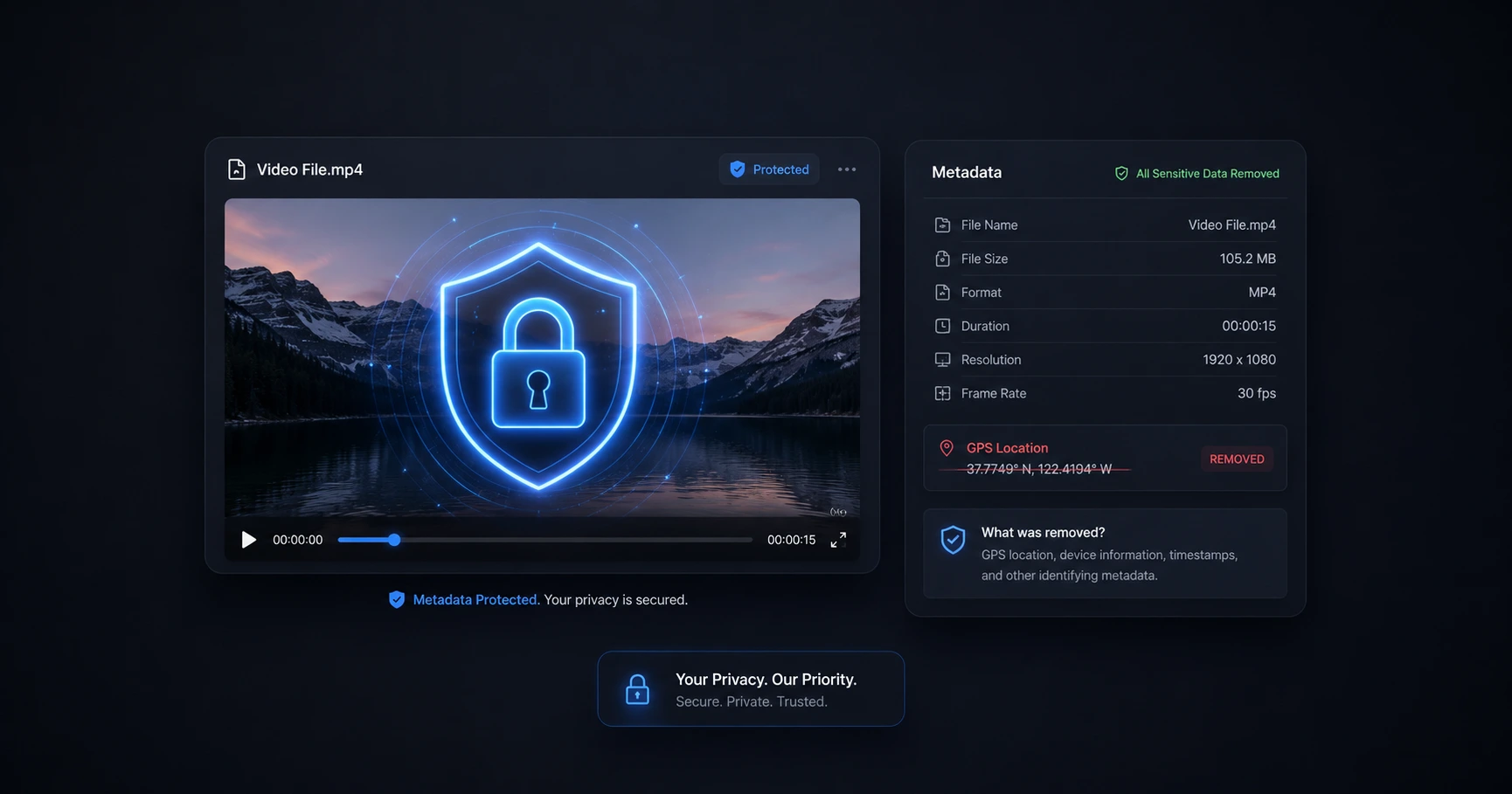
Smartphone videos inherently capture hidden EXIF data, including exact GPS coordinates. Scrubbing this data directly on your device before posting ensures you never accidentally broadcast your home or studio location, maintaining absolute privacy without relying on risky third-party cloud tools.
What is Video EXIF Data?
Every time you hit record on a modern smartphone like an iPhone, the device saves more than just the visible video and audio tracks. It automatically embeds a layer of invisible tracking information known as EXIF data directly into the file. This hidden metadata acts as a digital footprint for the recording.
While some of this data is harmless—such as the exact date, time, and camera model used—smartphones frequently log the precise GPS coordinates of the physical location where the footage was captured. This feature is intended to help users organize their camera rolls geographically, but it introduces a major vulnerability when those files are transferred or shared online.
The Security Risk of Unscrubbed Uploads
For independent creators and professionals, unscrubbed metadata is a severe security risk. If you upload raw vlog footage, unedited reviews, or behind-the-scenes clips directly to certain platforms or share them via public download links, that embedded location data travels perfectly intact with the file.
This means anyone who downloads the video can inspect its properties and extract the exact latitude and longitude of where you were standing. If you frequently film inside your house or at a private studio, posting raw, unscrubbed footage can inadvertently dox you, exposing your private residence to the public.
Scrubbing Metadata Securely
To protect personal privacy, this metadata must be completely erased before the file is ever shared or published. However, you cannot protect your privacy by uploading a sensitive video to a random, remote cloud server just to delete the location data—that defeats the entire purpose of security.
The only secure method is to use a dedicated, on-device metadata editor. By dragging your video into a browser-based utility that processes the file locally using your own hardware, you can instantly view and strip the hidden tracking data. Because the scrubbing process happens entirely on your machine, your raw, unreleased footage never crosses an internet connection, ensuring 100% privacy and zero wait times.
Explore the Creator Privacy & Security Cluster
The Ultimate Guide to Creator Privacy and Video Security
Every video you shoot contains hidden tracking data, and every file you upload to a third-party server becomes vulnerable to theft or leaks.

Format your videos instantly
Prep and standardize your clips before they hit the editing timeline. Reframe, crop, split, and compress your footage directly in your browser with absolute privacy and zero watermarks.
Related Questions
Do videos contain hidden location data?
Yes, modern smartphone videos often contain hidden EXIF data, which can include the precise GPS coordinates of where the footage was recorded, along with the device model and time of capture.
How do I remove GPS metadata from my iPhone video?
You can remove GPS metadata by using a dedicated metadata editor. Processing the file directly on your own device rather than uploading it to a cloud server guarantees that your personal location data is securely erased without exposing the original video to third parties.